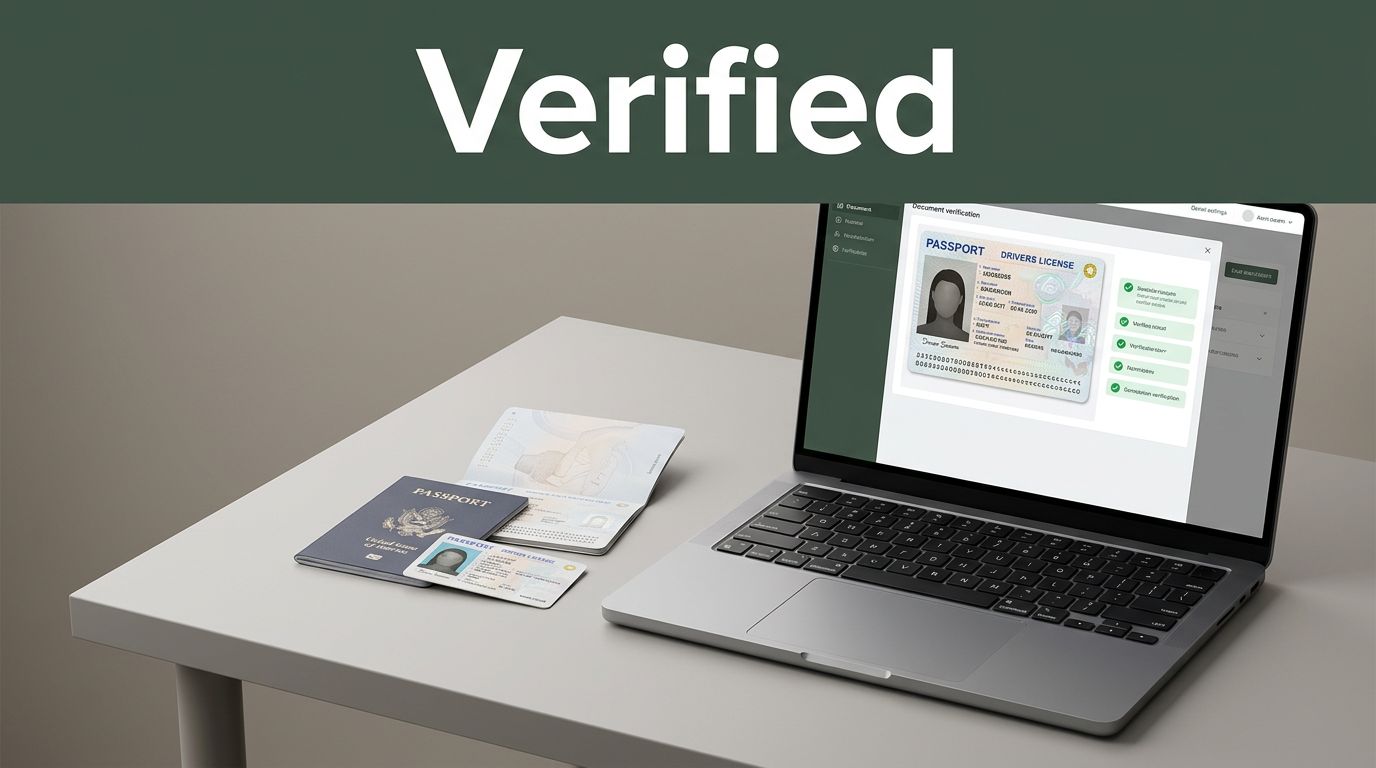
Identity theft can start with one fake document, then snowball fast. In 2026 alone, the FTC got over 6.4 million reports of identity theft and fraud, which works out to about one every few seconds. That’s why document verification matters, it helps confirm a passport or ID is genuine, unaltered, and matches the person.
When you’re applying for a bank account, getting hired, or buying online, fraudsters may try to slip through with edited photos, stolen details, or synthetic identities. As a result, companies use document checks to stop scams and build trust with customers, employers, and payment partners. Still, a “pass” isn’t just luck, it comes from a clear process and trained tools.
Keep reading to see how document verification works step by step, plus the common uses, the tech behind it, and what’s changing as scams get smarter.
The Basics: What Document Verification Really Means
Document verification means checking whether a document looks real, stays unedited, and matches the person who claims it. In plain terms, you’re separating legit identity from paper that’s been doctored.
The goal isn’t just to spot “a picture” on an ID. Instead, you look for layered clues, the same way you would compare a counterfeit bill to a real one.
Common Security Features That Prove a Document Is Legit
Most modern IDs and passports use multiple security features so fraudsters can’t copy just one thing. When verification teams check these elements, they reduce the chance that an edited photo, altered data, or fake laminate slides through.
Here are common features, explained in an easy way:
- Holograms that shift: As you tilt the card, the image changes. That movement signals layered materials that are hard to recreate.
- Microprint: Lines are so tiny they blur without the right printing equipment. Even a sharp photo often fails to show it clearly.
- UV inks: Certain inks show a pattern only under ultraviolet light. If the “hidden” mark doesn’t appear, something’s off.
- QR codes: A QR code can encode verification data. When scanned, it helps confirm the document is tied to the right issuing info.
- NFC chips for contactless reads: Many passports and some IDs store data on a chip. An NFC read can confirm the document’s embedded information.
These checks matter because each feature targets a different weak spot in fraud attempts. For more on how passport protections are built, see passport security design features.
Why Document Verification Keeps Businesses and People Safe
Document verification acts like a security checkpoint at the front door. It slows down fraudsters long enough for real checks to catch edited IDs, mismatched names, or fake proof. When verification is weak, scams don’t stay small. They turn into account takeovers, stolen benefits, and paperwork nightmares.
In 2026, identity fraud is still a major driver of risk in the US. The FTC has reported millions of cases, and AI-powered tricks like deepfakes make it easier to bypass older “good enough” checks. In many fraud reports, attackers also use stolen data to pass KYC and move money faster, which is why document checks matter for both safety and compliance.
Most importantly, verification helps you meet KYC and AML duties, not just customer expectations. If you want a clearer view of how intake can create or reduce fraud risk in benefits programs, see how document intake automation reduces fraud.
Top Industries That Can’t Skip This Step
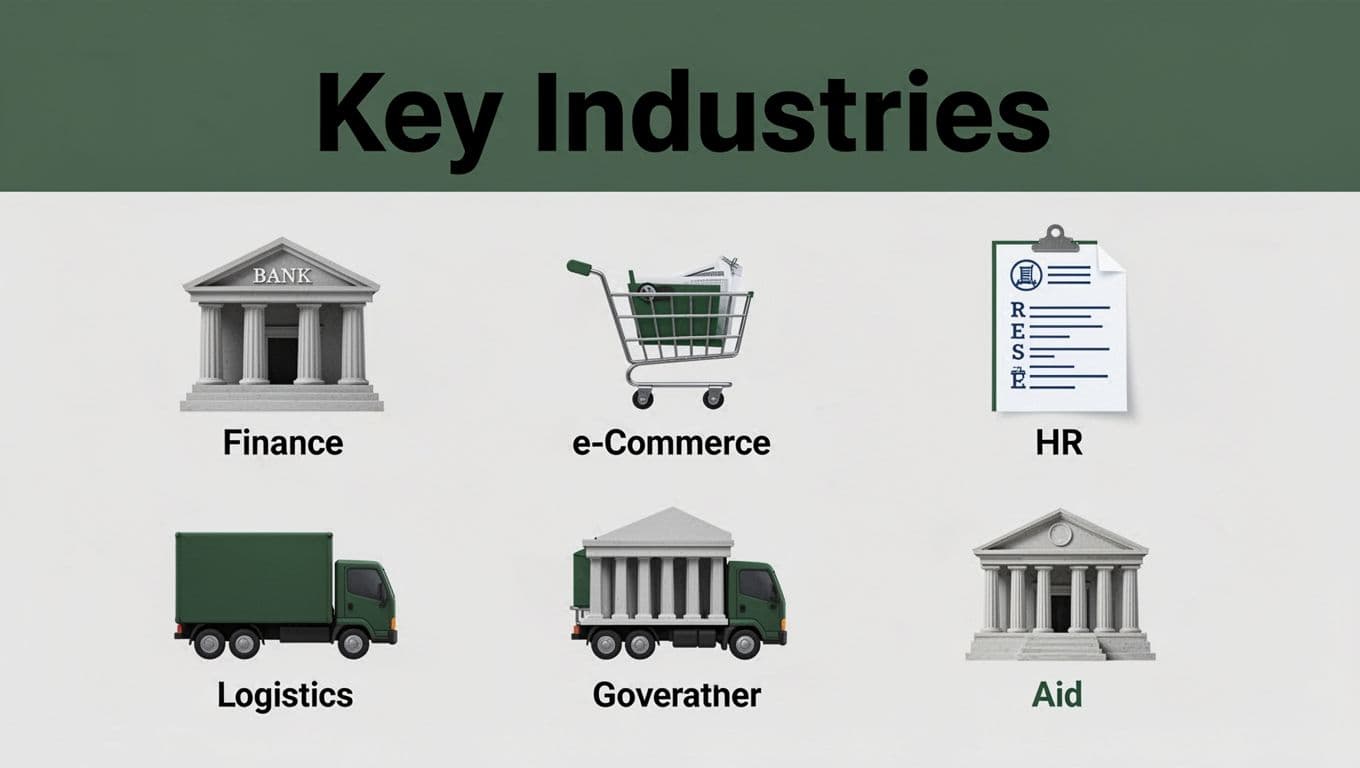
Some industries rely on identity proof as the price of admission. Here’s how document verification protects each sector, with quick examples:
- Finance (KYC): Banks verify IDs during account opening. If a synthetic identity slips through, fraudsters can open new accounts and drain funds.
- E-commerce (scam prevention): Platforms validate shopper documents when risk signals spike. It helps stop stolen-account purchases and refund fraud.
- HR (hiring): Employers check IDs to match a candidate to the application. This reduces fake hires and employment identity theft issues.
- Logistics (cargo proof): Carriers verify shipping documents and authorization letters. Better proof lowers the odds of rerouted cargo and forged delivery requests.
- Government (aid eligibility): Agencies confirm identity and eligibility documents at intake. That prevents fake claims from reaching payment stages.
Without verification, the costs hit fast: chargebacks, fraud losses, stalled onboarding, and sometimes regulatory trouble. With verification, you reduce risk while keeping real customers moving.
How Document Verification Gets Done: Your Step-by-Step Guide
Think of document verification like making a careful sandwich. You don’t just trust the bread, you check the layers. First, you capture the document correctly. Then the system reads it, checks it, and decides what to do next.
To keep it simple, here’s the process in four main steps, like a recipe you can follow.
- Collect photos and scans in the app
- Analyze image quality and tampering signs
- Extract data (OCR) and verify document features
- Cross-check databases and biometrics, then make a pass or review decision
Step 1: Capturing the Perfect Document Image
Step one starts with you. The best tools in the world can’t fix a blurry photo, crooked framing, or a missing back side. So, slow down for five seconds, and treat it like taking a clear picture for a high-stakes form.
On your side, most verification flows ask for both front and back photos of your ID. If the document has a NFC chip, you’ll also tap or hold the phone against the document, so the app can pull embedded data without guessing from a photo.
Here’s how to capture better images fast:
- Use good lighting: Find soft light near a window or a lamp. Avoid harsh overhead glare.
- Hold steady: Keep the camera parallel to the document. Don’t tilt or zoom too much.
- Fill the frame: Make sure the full edges show. Missing corners can block feature detection.
- Get both sides: Front and back. If you skip one, the system often forces a retry.
- Avoid reflections: Glossy surfaces can hide microprint and hologram details.
- Don’t edit the photo: Screenshots or filtered images often fail quality checks.
If you want a practical reference for what “good enough” looks like, see document image requirements from Microblink. It matches what most verification providers look for: clarity, proper resolution, and full-frame coverage.
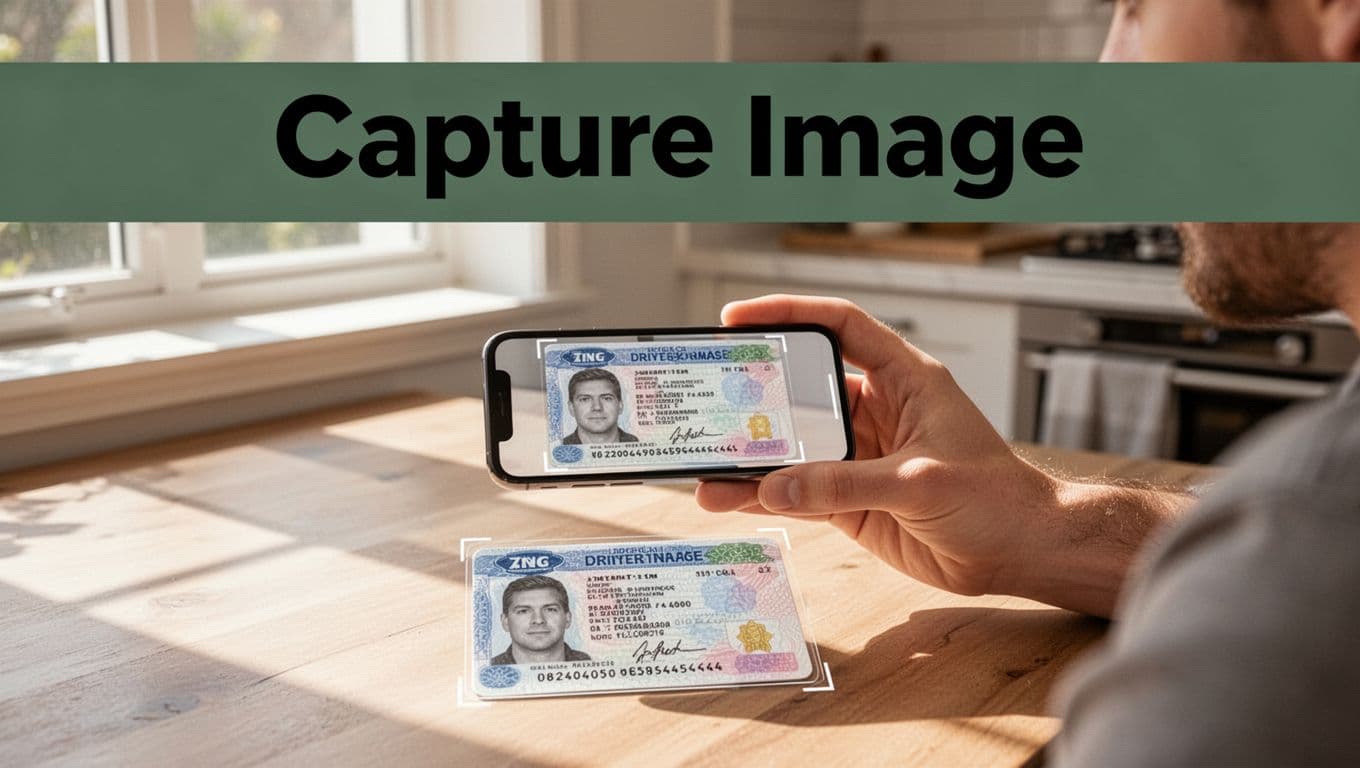
Common mistakes happen fast. Blurry motion is the biggest one. Also, watch for cropping (missing edges), shadowing (dark corners), and glare (bright hot spots). Those errors can look like edits to the system, which leads to a “review” outcome even when your document is real.
If NFC is part of your flow, use it as the shortcut it is. Hold your phone close to the chip and wait for the read. For more context on how NFC fits into identity checks, see NFC identity verification process.
Finally, after you submit, you usually move right into analysis. That’s where the app decides whether your images are usable, and whether anything looks off.
Step 4: The Final Check and Decision
Step four is where the system stops guessing and starts confirming. At this point, you already sent clean images (or at least ones that passed initial quality). Now it cross-checks everything it can: expiry dates, ownership signals, risk flags, and who your selfie matches.
First, the system checks the document’s status. It compares details like:
- Expiry date (expired IDs fail)
- Issuing info (format and numbering checks)
- Ownership and consistency (data should match what’s on file)
- Revocation indicators (some IDs get blocked)
Next, AI kicks in for risk scoring. This part often uses both rules and machine learning. It flags patterns that look like fraud, even when the photo “looks fine.” For example, it might detect repeated use of the same face or a mismatch between document data and live capture.
Then comes the biometric layer. In most modern flows, you’ll complete a live selfie or short face video. After that, AI runs face matching between your selfie and the photo on the ID. It also applies liveness tests, like requiring you to follow a quick motion, blink, or turn your head. The point is simple, it prevents a reused photo or a static mask from passing.
At the same time, the system may check biometric reuse across attempts. Some platforms use image alert lists to catch repeated headshots across transactions. For an example of how that kind of detection works, see Image Alert List.
Now for the outcome. Most systems end step four with one of these:
- Pass: The document and biometric match, checks look consistent, and risk stays low.
- Fail: A serious mismatch appears, the document is invalid, or liveness fails.
- Review: The system isn’t confident. Maybe the lighting was tricky, the match score is close, or a data field needs confirmation.
This is where hybrid human review often shows up. If you hit “review,” a trained agent may re-check the document for cut-and-paste signs, verify edge cases, or use extra internal tools that go beyond AI alone. Think of it like a mechanic doing a final inspection after a scanner flags a warning light.
Finally, the app gives you the decision and logs it. If you pass, you continue your application. If you fail, you usually get instructions to try again with a clearer capture or to contact support.
Best Tools and Tech Driving Document Verification in 2026
Document verification in 2026 runs on a mix of smart software and careful process design. That combo matters because fraudsters now use better editing, faster bot attacks, and even deepfakes. So how do teams choose the right tools?
The best setups pair automation with the right fallback. When something looks off, the flow should switch to stronger checks (or a person) without grinding your users to a halt.
Manual vs Automated vs Hybrid Checks (and why hybrid wins)
You can verify documents in three common ways. Each one trades speed for certainty, like driving with different safety nets.
- Manual verification: Trained agents review images, compare features, and decide case by case. It’s accurate, but it costs time and scales poorly.
- Automated verification: Software runs image checks, OCR, and risk scoring. It’s fast and consistent, but it can miss edge cases.
- Hybrid verification: AI handles the easy wins first, then routes risky or unclear cases to humans. This is the practical middle ground for most businesses.
Hybrid works best because it keeps most users moving. Meanwhile, it gives staff the worst-looking cases, which reduces both fraud risk and review workload.
The real goal isn’t “always pass.” It’s “pass what you trust, review what you don’t.”
The tech stack that catches modern fraud
AI helps screen documents and detect tampering signs that humans might not notice in seconds. Most modern systems start with image quality checks, then move into feature and data validation.
Key technologies you’ll see in 2026 tools:
- AI for deepfake and spoof detection: Document verification systems now watch for signs of fake content. They analyze inconsistencies in pixels, edges, and face geometry, not just “does it look clear.”
- Biometrics for face matching: Tools compare a live capture to the face on the ID photo. Then they run liveness checks to reduce replay attacks (for example, a reused photo).
- OCR and MRZ/VIZ parsing: The system reads the printed fields and compares them for consistency. If the extracted data clashes with the visual cues, risk goes up.
- Fraud risk scoring: Many platforms combine rule checks (like expiry status) with behavior and similarity signals.
If you want one example of the approach, iDenfy highlights AI and 3D liveness in its identity verification service.
Best document verification tools to know in 2026
Here are widely used providers, grouped by what they tend to do best in real deployments. Use this table as a quick scan.
| Tool | Verification style | Strong suit in 2026 | Best for |
|---|---|---|---|
| iDenfy | Hybrid-capable (AI plus human support) | AI + 3D liveness, wide document coverage | Global onboarding |
| Veriff | Hybrid with strong automation | High-accuracy decisions using many signals | Fraud-sensitive apps |
| Jumio | Automated-first with enterprise controls | Document acquisition and extraction workflows | Regulated orgs |
| Sumsub | All-in-one flows, configurable steps | Custom checks plus biometrics and AML-style risk | High-risk verticals |
If you’re looking at verification at scale, Sumsub’s document verification service is a good reference point for how providers describe automation and fraud stopping.
How to pick tools that fit your workflow
Choosing the “best” tool depends on your use case, not the feature list alone. Focus on what happens when verification confidence drops.
Ask yourself:
- Do you need fast passes for most users, and human review only when needed?
- Do you process many countries or one local ID type?
- Will your flow support face matching plus liveness, or only basic document checks?
- Can your team audit decisions later, so reviews are explainable?
Finally, remember that verification doesn’t stop at signup. Many teams now add lifecycle checks later, and document verification increasingly pairs with digital wallet signals to refresh identity over time. That means better fraud control, even after a user has already passed once.
Challenges Today and Exciting Changes on the Horizon
Document verification has never been a one-and-done step. Today, it’s more like guarding a door during a busy rush hour. Fraudsters keep testing new tricks, so verification has to keep learning. At the same time, new standards and privacy-friendly tools are starting to reshape how checks work.

Why deepfakes and “synthetic people” beat older checks
Deepfakes don’t just fool eyes. They fool systems that rely on surface-level signals. If a workflow mainly checks image sharpness, simple liveness, or a static template, it can get tricked fast. In 2026, attackers build “persona kits” that include realistic documents and matching facial data, then they test them against real verification flows.
Synthetic identity fraud is a related problem. Instead of stealing a real person’s ID, fraudsters create an identity that never fully existed. They mix real and fake data, then use it across accounts to look believable over time. That’s why synthetic fraud often feels harder to catch than a single fake passport photo.
Some real-world tools trained in labs still struggle with the messiness of real attacks. For example, Shufti warned that lab-tested deepfake tools can fail when attackers use variations in the real world. You can see the concern in lab-tested deepfake tools failing.
Also, document checks and biometric checks don’t always fail the same way. A fake document might pass feature checks, while the face check fails. Or the reverse happens, where the face match looks fine but the document data feels off. That mismatch is where modern systems need smarter risk scoring and better routing.
If you want one takeaway, it’s this: verification must treat today’s threats as adaptive, not one-time puzzles.
Synthetic IDs make “one check” feel less reliable
Think about a single document scan as a snapshot. Synthetic identity fraud is more like a whole movie. It grows across time. A fraudster might open one account with a synthetic profile, then gradually add more real-looking activity.
Because of that, teams now watch for patterns, not just single-event matches. They look at things like:
- Repeated attempts with similar capture patterns
- Changes in document fields that don’t match the story
- Inconsistent identity signals across different channels
- Unusual device or network patterns tied to verification retries
When you combine these signals, the system can flag risk even when any one element looks “okay.” For more context on how synthetic identity fraud keeps getting harder to spot, see why synthetic identity fraud is harder to detect in 2026.
Privacy rules are changing what data you can use
Privacy pressure is real, and it changes verification design. People want fewer details collected, shorter retention, and less sharing of sensitive data. As a result, many organizations now prefer verification methods that avoid storing raw biometrics longer than needed.
Biometrics also face tighter limits in some US states and more strict rules worldwide. That means you often cannot treat identity checks like a free data grab. You need a clear legal basis, careful consent flows, and strong controls over who can access results.
So the big question becomes: how do you prove identity without collecting everything? More teams now build flows around data minimization. Instead of keeping every image, they store confidence scores or proof tokens. Meanwhile, they limit access and shorten how long records stay in systems.
In practical terms, privacy-friendly verification should still stop fraud. It just does it with better controls and smarter data handling.
The safest verification setups aim for proof, not pile-ups of personal data.
The coming shift: origin trust, better AI, and safer verification proofs
Exciting changes are already on the horizon. First, the fight is moving toward “origin trust,” meaning systems ask where a document or face input came from. Instead of trusting only appearance, they check for signals that suggest the content is synthetic or tampered.
Second, verification AI is getting better at handling real attacks. That includes active liveness approaches that make it harder to reuse captured media. It also means more robust analysis of image quality, camera signals, and subtle tampering patterns.
Finally, systems are starting to treat identity checks like an ongoing service, not a one-time gate. After verification, teams can run lighter “re-checks” to catch later mismatches.
If you need a high-level read on where digital identity verification is headed across regions and requirements, Digital Identity Verification in 2026: Trends, Challenges, and Solutions offers a broad look at the direction.
EU digital identity wallets and why they matter for the US
Even though the US has its own privacy and identity rules, EU wallet direction still matters. EU digital identity wallets are designed to share only what a business needs, not the full story. In theory, that reduces exposure and cuts the amount of document data floating around.
These wallets connect to eIDAS 2.0, which supports a pan-European framework for proof that can work across services. As more regions adopt similar ideas, the US market may see pressure for verification methods that reuse credentials without repeated document uploads.
A useful way to think about wallets is like returning a library book. You don’t copy the whole book. You show the specific page needed for the request. That approach can reduce both privacy risk and fraud surface area.
For a closer look at the EU wallet framework, see eIDAS 2.0 and the digital identity wallet.
Post-quantum security and machine-readable IDs: the quiet upgrades
Some improvements won’t look flashy, but they matter. Post-quantum security is one example. It focuses on protecting cryptography against future threats. If systems rely on older encryption too long, attackers could eventually benefit. So teams plan upgrades now, while the risk is still theoretical.
Machine-readable IDs also change the game. When IDs include scannable or embedded data, verification becomes faster and harder to fake at the same time. Instead of trusting only a photo, the system can read data from the source format and cross-check it.
Even beyond human identity, “machine identities” are becoming part of verification. That includes proof for devices and automated actors, not just people. As machine-to-machine systems grow, verification must expand with them.
What this means for the future of document verification
Today’s challenges are loud: deepfakes, synthetic IDs, and privacy limits. Still, the next generation of verification is moving in a smarter direction. Better AI defenses, origin trust, and privacy-friendly proofs aim to reduce both fraud and data risk.
Meanwhile, standards and wallet-style approaches could make verification easier for people. You should not need to re-upload documents every time you switch services. In addition, stronger security upgrades should protect what you share today.
In short, document verification is getting tougher for fraudsters, and friendlier for real people.
Conclusion
Document verification is how businesses confirm that a document looks real, stays unedited, and matches the person who used it. Because identity scams keep changing, the process relies on more than one check. It combines document feature checks, data reads, and face and liveness checks, then routes uncertain cases to human review.
That’s also why the best results come from the right balance of automation and fallback. Strong tools help most users pass quickly, while risky cases get extra scrutiny. At the same time, newer trends like origin trust and privacy-friendly proof help keep verification both safer and less intrusive.
If you’re building onboarding, payments, or account access, don’t treat verification as a one-time checkbox. Try a provider, set clear image capture rules, and test your flow against real-world failures like blurry scans and mismatched faces. If you’re already using document checks, audit your pass and review rates now, then tighten the weakest links.
What would you rather prevent first, fake documents, spoofed selfies, or synthetic profiles that grow over time?