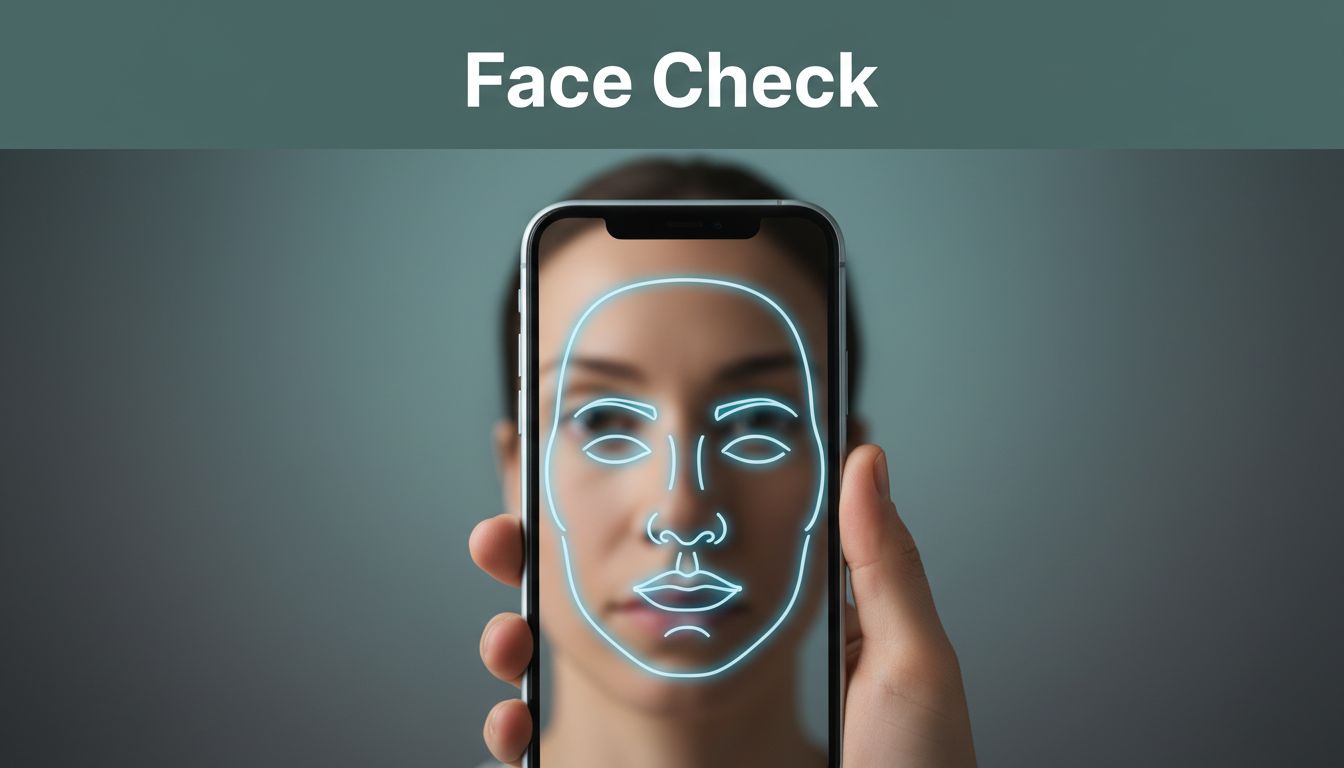
Face verification and selfie checks show up everywhere now. You might see them when signing up for a bank app, verifying a ride-share account, or logging into a new device. They’re fast, and they help apps trust you without asking for a password every time.
In plain terms, face verification compares your selfie to your ID photo. Then selfie checks go one step further. They try to confirm you’re a live person, not a photo, video, or mask. Together, they reduce account takeovers and deepfake impersonation.
So how does it work when you just hold your phone up for a few seconds? This guide breaks it down step by step, without heavy tech talk. You’ll see what the AI watches, how it scores your match, and why your lighting or angle can affect the result.
Breaking Down Face Verification: Matching Your Face to Your ID
Face verification is the “match” part. The app needs to confirm that the face in your selfie looks like the face on your ID document. That sounds simple, but the system checks much more than “looks similar.”
Most modern systems create a compact face representation from both images. You can think of it like turning a face into a set of puzzle pieces. The app then compares those pieces with your ID photo’s pieces, looking for consistency in shape and proportions.
You’ll often hear related terms mixed up, so it helps to separate them. Face verification confirms “is this you?” Face recognition usually means “who is this?” For a clear breakdown, see face verification vs recognition.
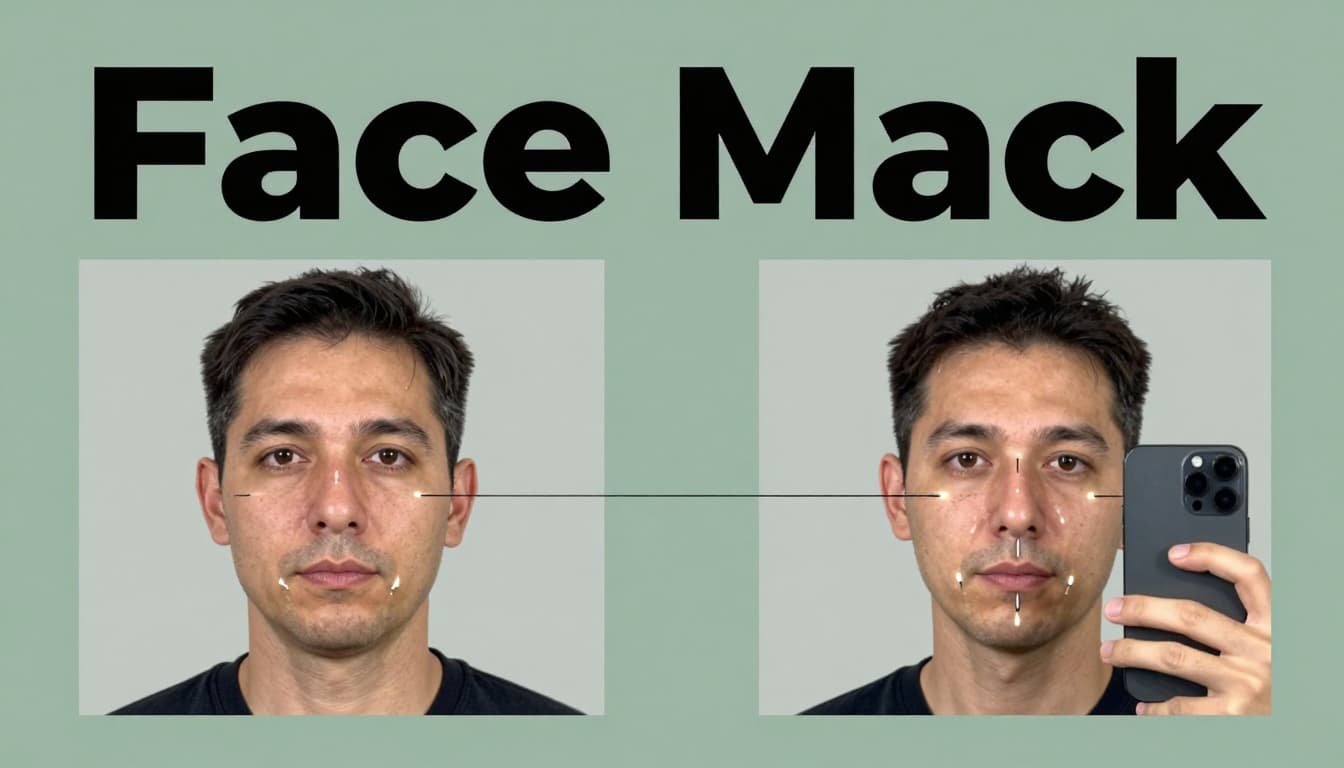
A key idea here is that the AI doesn’t just compare raw pixels. Instead, it scans facial structure features that tend to stay stable over time. For example, the system can use distances and angles around your eyes, nose bridge, jawline, and cheek region. In many products, it can also handle changes in angle by using 3D-style mapping from your phone’s camera cues.
Then the system produces a score. Sometimes it’s described as a similarity like “98%,” but the number isn’t universal. What matters is whether the score clears a pass threshold for your risk level and device context.
Privacy also matters. Many systems avoid storing your full raw images long-term. Instead, they often store a template (a protected face representation) or a token tied to verification. That reduces exposure if data is mishandled.
Key Facial Landmarks AI Checks Every Time
AI doesn’t “remember your face like a human.” It looks for stable landmarks and how they relate to each other. Most models focus on patterns that stay consistent even when you smile, blink, or change lighting.
Common landmark checks include:
- Eyes: position, spacing, and eye shape boundaries
- Nose: nose bridge width and tip proportions
- Mouth: mouth corners and the curve shape around it
- Jawline: jaw width and chin contour
- Cheekbones: cheek structure and how it frames the face
In addition, depth mapping helps with 3D accuracy. Even with a single camera, modern systems can estimate depth cues from perspective and motion. That means the app can compare your selfie to your ID photo even if you tilt your head slightly.
Small changes can also affect results. For instance, heavy shadows can make landmarks harder to see. Yet the AI generally expects some variation. It’s designed to tolerate normal differences, because real users never hold their phone in one perfect way.
If you want another plain explanation of what facial verification systems do during matching, check out how facial recognition works at Okta. The examples there help clarify the “compare two images” idea.
How Scores Decide If It’s a Match
After landmark extraction, the system compares your selfie template to the ID template. Then it outputs a score that reflects how close those templates are.
Think of it like measuring two versions of the same key. You might not get a perfect “100,” but you can still decide whether it fits. The score and threshold depend on the flow and your risk level.
For low-risk sign-ins, apps may allow more tolerance. For higher-risk actions, they may require a tighter match. That’s why your first attempt might pass easily, but another attempt after a failed liveness check might trigger extra steps.
A score also depends on inputs outside your control. For example:
- Your device history (was this phone used before?)
- Whether you’re on a known network (home Wi-Fi vs new hotspot)
- How clear the camera capture is
In other words, the system makes a decision based on more than your face alone. It’s trying to reduce both false rejects and false accepts. That’s also why the app may ask for a retake if your selfie looks too blurry.
Finally, most systems use neural networks trained on large data sets. They learn what real faces look like across age changes, lighting shifts, and camera quality gaps. Still, scores aren’t guarantees. They’re probability estimates, not identity proofs.
Selfie Checks: The Liveness Tests That Spot Real People
Face verification alone can be tricked. A fraudster could show a photo of you. Or they could use a prerecorded video. That’s where selfie checks come in.
Selfie checks are liveness tests. The goal is to confirm the selfie comes from a live person in real time. They also aim to catch common spoofing attempts like images, screen replays, video injections, masks, and some deepfake styles.
Modern liveness detection works as a layer before the system trusts the face match. One reason this matters is simple. A match score could look good on a fake clip. Liveness helps stop that.
You’ll often see this described as active vs passive liveness. Active means you do something. Passive means the system watches without asking for a specific action.
Many selfie checks now combine multiple signals at once. It’s not just “blink” or “turn.” It can include motion timing, texture cues, and how your face moves relative to the camera frame.
For a deeper look at liveness detection and spoof prevention, see facial liveness detection from Mitek. It explains how liveness confirms presence, not only similarity.
Common Challenges You Might Face on Your Phone
Selfie checks usually feel simple, but your phone situation matters. Poor lighting can flatten your face details. Slow camera focus can blur edges. Low battery can reduce frame stability.
If the flow uses active steps, here’s what they often look for:
If it asks you to blink, the AI expects a real eyelid motion. It checks for smooth timing, not a static eye edit.
If it asks you to turn your head, it looks for consistent perspective change. The face should move with natural rotation.
If it asks you to smile, it checks for mouth motion and cheek shift. A fake replay may show jumpy motion or frozen micro-details.
Also, watch out for delays. Some phones open the camera with a lag. If you blink too early or too late, the timing might fail. The fix is usually easy: follow the on-screen prompt closely and keep your face centered.
Even without active prompts, passive checks still need your help. Hold steady. Let the camera capture your face clearly. If you’re in dim light, move closer to a light source.
Anti-Spoofing Tricks Against Deepfakes and Masks
Selfie checks rely on more than one trick. They look for clues that fake media often breaks.
For example, systems may analyze:
- Texture and micro-shadowing around pores and facial edges
- Lighting consistency as you move slightly
- 3D resistance (the face should respond like a real object, not a flat surface)
- Temporal signals over multiple frames
Deepfakes and replay attacks can show seams between frames. They can also struggle with blink dynamics. Even when the eyes look right, the timing or shape changes may feel off.
Some systems also watch for video injection patterns. If the feed seems like it’s been manipulated, the flow can fail early.
You’ll sometimes hear “liveness” described as a live-presence filter. Regulators and researchers often use similar language. For a clear overview of why liveness blocks spoofing, see liveness detection and spoof prevention from Regula Forensics.
The big takeaway is this: modern selfie checks aim for multi-signal detection. They combine face movement, scene cues, and capture quality. That makes it harder for any single spoof method to pass.
A common mistake is focusing only on the face match. Liveness tests try to prove you’re there, right now.
Step by Step: What Happens During a Quick App Verification
When you verify in an app, you usually see a short camera flow. Behind the scenes, it’s still a set of steps. Here’s the typical sequence, in a simple order:
- Upload your ID (or capture it)
The app checks that the document looks real and readable. - Capture your face using the phone camera
The system finds your face, guides framing, and starts the capture sequence. - Run the liveness test
If it’s active, you blink, turn, or smile. If it’s passive, it watches naturally. - Do anti-spoofing checks
It looks for replay patterns, motion inconsistency, and synthetic artifacts. - Compute the face match score
It compares your selfie template to your ID template. - Make a risk decision
Based on match strength and liveness confidence, it either passes or asks you to retry.
Because these steps happen quickly, the app may adapt in real time. If your first capture looks clean, it might finish faster. If your face is blurry or the liveness confidence drops, it may ask for another attempt.
Apps vary, but the goal stays the same: balance security and user friction. You don’t want a slow process. You also don’t want a process that passes obvious fraud.
If you want better odds the first try, these tips help:
- Use good lighting (front light works best)
- Keep your face centered and fill most of the frame
- Avoid glasses glare if possible
- Take the selfie without rushing the prompts
ID Scan: Spotting Real Documents First
Many verification flows start with the ID scan, not the selfie. That’s because a fake ID photo can still cause trouble later.
Document checks often include looking for:
- Printed pattern consistency (fakes miss these details)
- Border edges and layout alignment
- Light reflection behavior on features like holograms
If the ID scan fails, the app usually stops the process. It wants to confirm the source image is authentic before matching your face to it.
Even then, the selfie checks still matter. Document authenticity and liveness prove different parts of identity.
2026 Tech Upgrades Making Verification Bulletproof
In 2026, verification systems are improving in a few specific ways. They’re also getting better at dealing with deepfakes and synthetic media.
One big upgrade is multi-signal fusion. Instead of relying on one signal, systems combine 3D cues, behavior motion, capture quality, and anomaly detection. That helps when one signal weakens due to lighting or phone camera noise.
Another upgrade is stronger anomaly detection. Models can flag unusual capture patterns, like strange motion cadence or inconsistent scene behavior. As AI creates more convincing fakes, verification systems respond by checking more angles of the problem.
You can also see more “selfie biometrics plus liveness” rollouts in the industry. For an example of where this is headed, look at coverage of Oracle introducing selfie biometrics with liveness features in enterprise use cases, covered by Biometric Update.
Privacy is also trending toward better protection. The direction is toward storing less raw data and using protected templates or tokens. That reduces what can be exposed if something goes wrong.
The practical result? Faster logins for legit users, fewer chances for spoofing, and fewer “try again” moments when your capture is clear.
The bottom line on how face verification and selfie checks work
Face verification and selfie checks work because they solve two different problems. Face verification compares your selfie to your ID photo using facial landmarks and match scoring. Selfie checks confirm liveness by watching real-time cues, so fakes and replays have a harder time passing.
When you see the prompts in 2026, you’re not just “sending a picture.” You’re going through a layered decision that considers match strength, motion behavior, and spoof risk.
Next time you verify in an app, slow down just enough to center your face and use decent lighting. Then follow the prompts. If you do, the system can trust you faster, and you can get back to using your account. What prompts or failures have you run into so far?