In 2019, reported identity fraud losses in the US reached $16.9 billion, and the pain only keeps spreading. By 2025, Americans lost about $196 billion to fraud (adjusted for underreporting), according to recent US estimates. When someone tries to open an account with a fake ID, the clock starts ticking.
That’s where identity checks matter. If you’re building an online banking flow, running hiring, or verifying users in an app, you need reliable ways to prove who’s on the other side of the screen. The big question is how you do it.
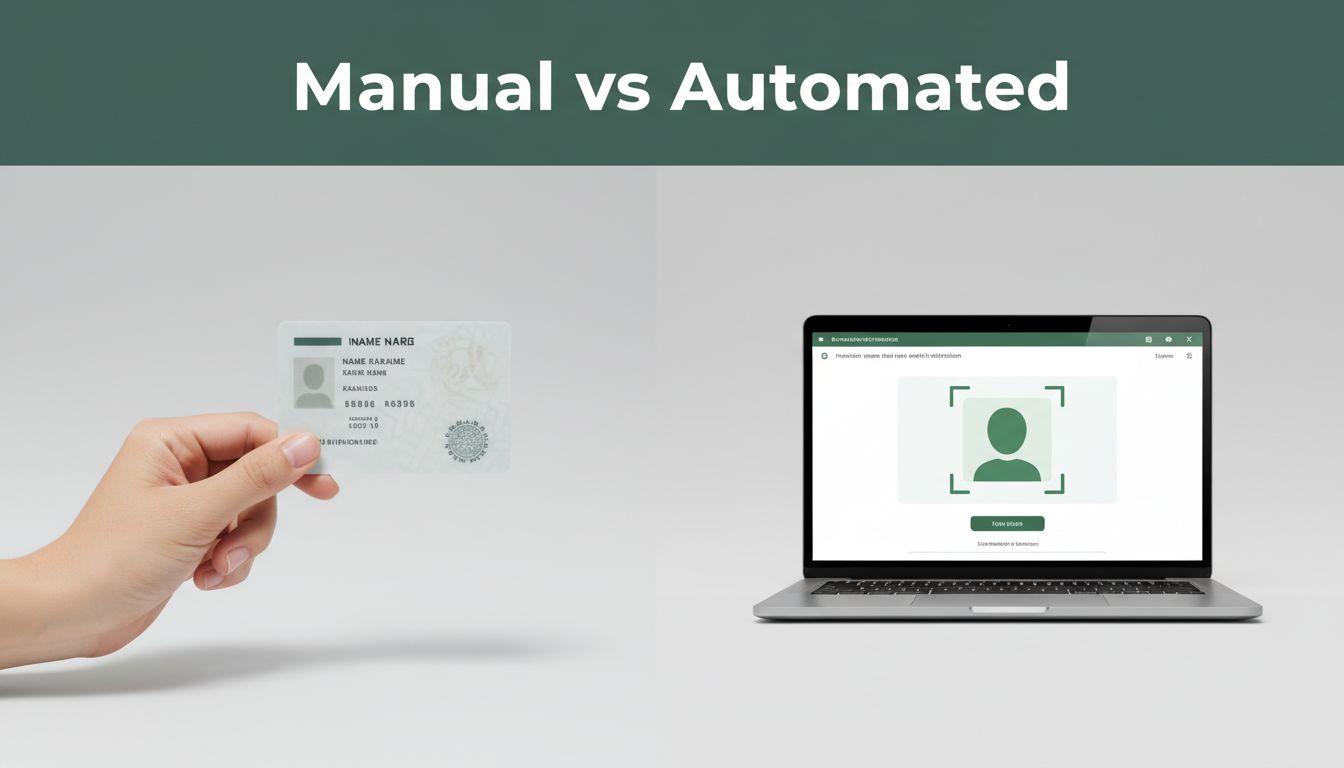
Two common approaches show up in most products: manual identity checks and automated identity verification. Manual checks rely on people to look at IDs and decide if they look real. Automated checks use software to scan documents, detect tampering, and compare the ID face to a live selfie.
Most teams end up mixing both. You can let machines handle the easy parts, then bring humans in only when risk looks high. That hybrid approach is becoming more common in 2026, especially as AI fakes get more convincing.
In this guide, you’ll learn what manual and automated checks actually do, how each one works step-by-step, the pros and cons, real use cases, and what’s changing in 2026.
How Manual Identity Checks Work in the Real World
Manual identity checks are what they sound like: a person reviews an ID and decides whether it’s believable. A reviewer might compare a photo to a face, examine security features, and check that the name and key details make sense.
In a lot of places, people do this with both eyes and experience. They look for odd things like misaligned fonts, blurry printing, or a photo that seems too “off” for the rest of the document. They also check for basics, like the ID not being expired.
A typical manual review often includes document inspection plus a records check. For example, some staff will compare details against internal notes or known customer info. In more formal settings, teams may verify license or ID status through other channels.
Manual checks also show up in everyday roles. Airport staff, hotel front desks, casino bouncers, and bartenders all face the same problem: a fake ID can slip through if attention drops.
Here’s what a manual check can look like in real life. Picture a bartender who asks for an ID. They tilt it under the light, check the hologram, compare the face to the customer, and look at the printed expiration date. If anything looks mismatched, they refuse service and call a supervisor.
The upside is human judgment. A reviewer can spot “doesn’t feel right” issues that tools miss. The downside is fatigue and time. People can’t review at the same speed as online systems, and errors go up when volume spikes.
For more on how manual document review stacks up against automated review, see Automation vs. Manual Document Verification.
Step-by-Step Breakdown of a Manual Review
A manual identity check usually follows a simple flow:
- Receive the ID (in person, or as a clear photo sent by the customer).
- Compare the face on the ID to the person standing in front of you.
- Inspect print quality and security features, like holograms, microprinting, or textured areas.
- Check data fields such as name, document number, and expiration date.
- Confirm consistency with what you already know (company records, policy rules, or supporting details).
- Approve or flag the case for a supervisor.
Manual checks can also include extra verification when rules require it. For example, some teams call a licensing board or run internal checks to confirm status. In other words, the review often becomes a mix of visual judgment and follow-up steps.
Everyday Places You’ll See Manual Checks
Manual checks show up most where volume is low or the cost of slowing down is acceptable. Think about small businesses, local offices, and one-off verification tasks.
You’ll often see manual ID checks in situations like:
- Small business onboarding, like a local gym or a coworking space verifying member eligibility
- Retail age checks, where staff must confirm age rules
- Customer support reviews, where a human verifies an ID after an initial scan
- Problem cases, like damaged IDs where automated tools struggle
Manual checks can also be a practical fallback. If a customer’s document photo is blurry, staff may review it by eye. That can work well for occasional cases, but it doesn’t scale when traffic grows.
In short, manual checks are fine when you can keep review volume manageable. When you need fast decisions for lots of users, automation usually wins on speed.
Unlocking the Speed of Automated Identity Verification
Automated identity verification (often called IDV) uses software to review documents and selfies quickly. Instead of a human eyeballing every detail, the system checks ID images for signals that suggest tampering or fraud.
A typical automated flow looks like this:
- A user uploads a photo of their ID.
- They also provide a selfie (or a short live check).
- The system scans the document (often with OCR) to pull out text and validate layout.
- It checks whether key fields match and whether the ID looks edited or fake.
- Then it compares the selfie to the ID face.
- It outputs an approval score or a risk alert.
The biggest benefits are speed and scale. Automated systems can handle thousands of checks in minutes. They also run the same process every time, which helps reduce random human errors.
The trade-off is dependency on good inputs. If the ID photo is too dark, blurry, or cropped, automated checks can fail. Some setups also require upfront setup costs, plus ongoing tuning as fraud tactics change.
If you want a broader view of modern IDV tool features, this comparison from Best Identity Verification Software Tools in 2026 can help you see how vendors approach risk and automation.
Core Technologies Powering Automation
Automated ID checks rely on a few core technologies working together:
- OCR and document parsing to read printed text and validate document structure
- Face matching to compare the selfie to the ID photo
- Tampering detection using machine learning, looking for signs of editing
- Liveness and live checks, which help fight photos and deepfakes
- Data validation to confirm fields like expiration dates and identifiers
Some platforms also use phone and device signals. That can improve decisions, especially for risky sign-ups or logins. Many modern tools support broad document coverage across many countries, so businesses can verify more users without building custom logic.
From Upload to Approval: What Happens Behind the Scenes
On the user side, it often feels instant. In the background, the system usually does the heavy work in seconds:
First, the user snaps the ID and takes a selfie. Next, the system checks image quality and validates the document format. Then it runs face comparison, checks whether the ID looks altered, and validates key fields.
Finally, you get a decision. Sometimes it’s a clean approval. Other times, it triggers a review. Many teams use a hybrid rule like “auto-approve most users, send about 5 to 10% to a human.” That reduces costs while still catching the weird cases.
Manual vs Automated: Which Wins in Speed, Cost, and Accuracy?
There’s no single winner for every situation. Manual checks can feel trustworthy and flexible, while automated checks deliver speed at scale. The best approach depends on your volume, risk level, and tolerance for friction.
Here’s a quick head-to-head view:
| Factor | Manual Identity Checks | Automated Identity Verification |
|---|---|---|
| Speed | Slower, especially at peak times | Usually near-instant decisions |
| Cost | Labor-heavy, review time costs add up | Scales better as volume grows |
| Accuracy | Can be strong, but varies by reviewer fatigue | Consistent rules and scoring |
| Scale | Works best for small batches | Supports millions of verifications |
| Security | Human judgment catches some “off” signs | System can flag tampering patterns quickly |
| Operational load | Needs trained staff and schedules | Needs good tooling and ongoing updates |
A simple way to think about it: AI is proactive in spotting patterns. Humans are reactive, catching what looks suspicious after review begins.
One more note: automated checks don’t mean “never use humans.” Riskier cases still benefit from a human step, especially when documents look damaged or unusual.
When Manual Shines and When It Falls Short
Manual checks shine when:
- You have low volumes, and each review matters more than speed
- You need flexibility for unusual IDs or edge cases
- You want a human trust layer for certain industries or customers
Manual checks fall short when:
- You face high traffic and can’t hire fast enough
- Reviews happen late at night, or staff switch often
- Fraudsters adapt faster than training can keep up
Even careful teams can make mistakes when the work becomes repetitive.
Automated’s Edge and Its Limits
Automated verification shines when you need:
- Fast onboarding or quick logins
- Consistent checks across large user groups
- Coverage that would be impossible by hand
It has limits too. Automation can struggle if:
- User images are poor (blurry ID photos, harsh glare)
- Fraud tactics evolve faster than the detection model
- Your program lacks clear rules for what counts as “high risk”
That’s why good systems include quality checks and clear retry guidance. It also helps to keep a human fallback for the hardest cases.
Real Use Cases and Tools to Get Started
So, where do manual and automated checks actually fit?
Manual checks often work best for:
- Small businesses with limited sign-ups
- Services with rare verification events, like manual account approvals
- Situations where users can’t provide clean scans, such as damaged IDs
Automated checks fit best for:
- Banks and fintechs handling many new accounts
- Online onboarding where slow checks increase drop-offs
- KYC workflows that must be consistent across thousands of users
Hybrid approaches are common in the real world. You can auto-check most users, then escalate only when risk scores look odd. This gives you speed without ignoring edge cases.
If you’re looking at real-time onboarding systems, this guide to Top Automated IDV Solutions for Real-Time Onboarding is a useful starting point for understanding how buyers compare vendor approaches.
Here’s a practical way to choose:
- Check your volume. If you verify thousands a day, automation becomes a need, not a luxury.
- Map your risk points. Account opening and money movement usually need stronger checks.
- Test with real inputs. Use photos your customers actually submit.
- Plan for the 5 to 10% flags. Decide what a human reviewer does next.
Tools like Veriff and Regula are commonly used in the IDV space, and GetID-type face scoring is often part of the face match step. The key isn’t the brand name. It’s the fit for your flow and the rules you set.
The Future: Hybrid Checks and 2026 Trends
In 2026, identity verification keeps moving toward hybrid workflows. That’s because fraud attempts now blend document tricks, AI face fakes, and stolen account data.
Recent trend data points to hybrid identity verification growing fast. One US market estimate puts total ID verification around $3.3 to $4.34 billion in 2025, with strong growth expected through 2030. Hybrid stacks win because one method alone can’t handle every attack.
What’s changing right now?
- Deepfake detection is more common. Systems focus on “liveness” and live signals, not only looks.
- Mobile drivers licenses (mDLs) keep expanding in the US. Users can share only what’s needed, which can reduce friction and over-sharing.
- On-device checks help with privacy. Some workflows keep sensitive signals on the phone.
- More biometrics show up in logins and payments. Face plus device signals often improves outcomes.
- Ongoing monitoring helps during risky actions, not just signup.
Hybrid also fits a bigger trend: fewer “one and done” checks. Instead of verifying once forever, systems re-check identity when behavior changes, like a new device or unusual location.
If you want a buyer-friendly view of balancing automation with manual review, Finding the Right Balance in ID Verification can help frame trade-offs in plain language.
The end result is more control for you, and less risk exposure for your customers. Instead of choosing between humans and software, teams are designing workflows where each one does what it does best.
Conclusion: The Best Choice Depends on Your Risk and Volume
Manual and automated identity checks solve the same problem, but they do it in different ways. Manual checks bring human judgment and flexibility, especially for edge cases. Automated checks deliver speed, consistency, and scale when volume is high.
Most teams do best with a hybrid setup. Automated systems handle the routine reviews, then humans step in when the system flags risk. That approach helps you catch more fraud while keeping your onboarding flow fast.
If you’re evaluating your next verification workflow, start by asking one question: do you have enough review capacity for your peak traffic? Then build from there, and you’ll move toward smarter identity checks without slowing users down.