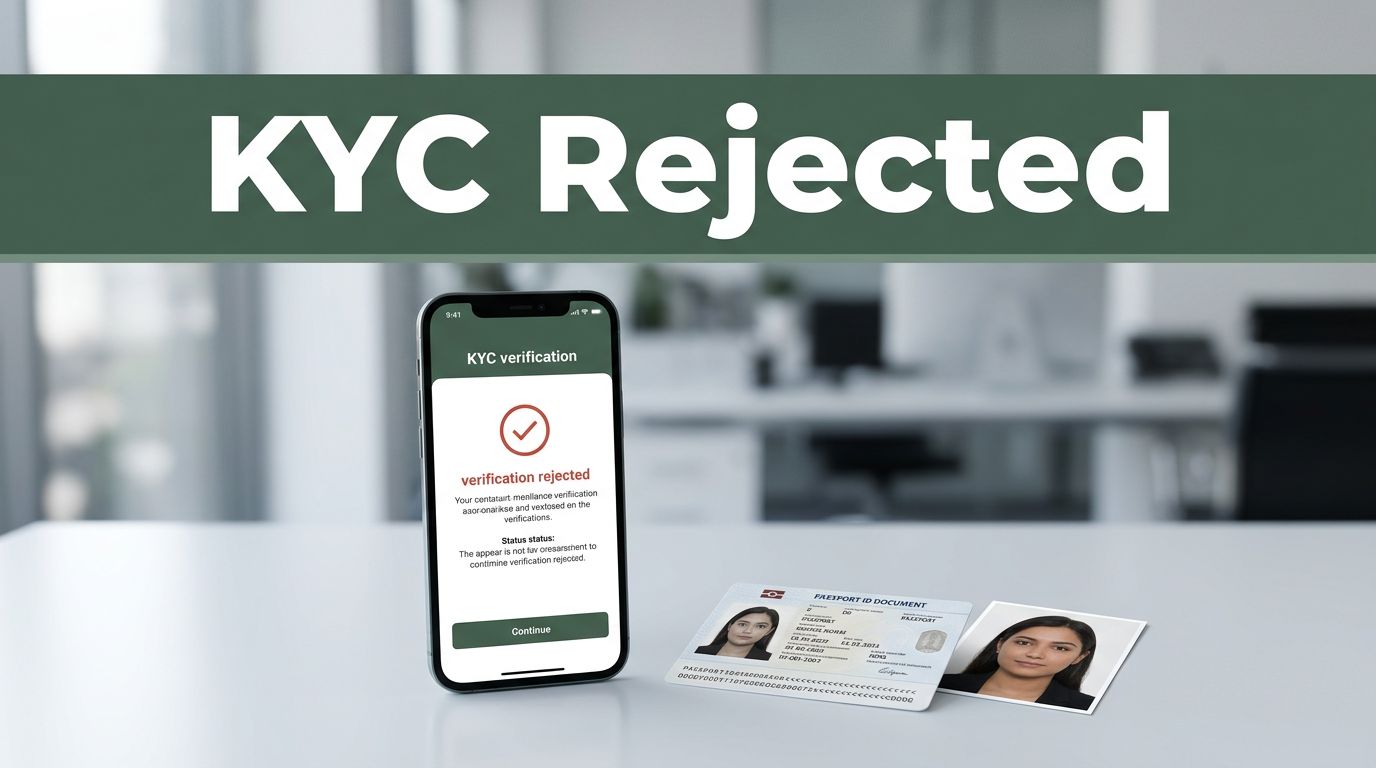
You were ready to open an account. You uploaded your ID, took a quick selfie, and hit submit. Then the screen changed to KYC rejected.
It feels personal, especially when you know you’re not doing anything wrong. But KYC (Know Your Customer) is a standard identity check banks, crypto exchanges, and fintech apps use to reduce fraud and follow 2026-era rules. Rejections happen to honest people, often because of small mismatches or upload issues.
The good news is that most what to do if your KYC is rejected moments end quickly. Usually, you just need to understand the reason, fix the specific problem, and resubmit cleanly. This guide walks you through the common KYC rejection causes in the US, the fastest first steps, and practical fixes for the biggest issues.
So you can stop guessing. And get back to using your account.
Pinpoint Why Your KYC Was Rejected: The Most Common Culprits
KYC reviews usually follow a simple pattern. If the system can’t verify you with high confidence, it blocks the onboarding. In practice, that means certain problems show up again and again, across banks, crypto platforms, and other regulated apps.
Recent 2026 coverage notes that crypto and fintech face tighter scrutiny. As a result, apps often reject for document quality, missing ownership details, or risk flags. One compliance-focused source also highlights that identity and AML checks must be effective, not just “submitted” (see AML and KYC trends for 2026).
Here are the common KYC rejection reasons 2026 users run into:
- Blurry, edited, or low-quality ID photos (the system can’t read key details)
- Mismatched info (name, address, DOB, or document type does not line up)
- Missing required fields (for example, full address or ownership proof)
- Weak or inconsistent proof for business accounts (licenses, POA, UBO info)
- Financial history or compliance issues (tax liens, unpaid debts, prior flags)
- Tech or upload glitches (failures during capture, camera permissions, or retry loops)
- High-risk category signals (some industries get extra checks)
If you want to self-diagnose, start with the email notice. Most platforms list the reason in plain language, even if it’s short.
A quick note before the fixes: KYC failures also happen at scale. One 2026 trend summary says many crypto businesses face banking friction, often tied to compliance and risk controls. That means some rejections are rule-based, not a judgment about you.
Blurry, Edited, or Low-Quality ID Photos
Poor photo quality is the top cause for many “instant reject” messages. The review system needs to read numbers clearly. It also needs to confirm the ID looks like a real document.
Common triggers include:
- A photo taken in low light
- Glare that hides a corner or barcode area
- Shadows across the name or photo
- Cropping that cuts off the ID edge
- Filters or “enhance” tools that change the image
Here’s the real-world version: you snap your driver’s license with a shaky hand. The letters look fine to you. But the verifier sees blur, edge distortion, or missing detail. Result, it flags the scan as unverifiable.
If you’re unsure, compare your upload to your original ID. If you can’t read it easily, the system can’t either.
For a walkthrough of typical failure patterns, this reference on KYC rejections can help you map your issue to likely causes: common rejected reasons for KYC.
Gaps in Personal or Business Information
Sometimes it’s not the photo. It’s what the photo is supposed to prove.
Rejections happen when required details are missing or incomplete, like:
- Your full street address (not just city and zip)
- Ownership proof for business accounts
- Proof of address that matches the profile
- Missing or unclear name fields (middle name, suffix, or spelling)
For business KYC, the bar is higher. Platforms often need more than one document. They may ask for licenses, beneficial owner details, and additional verification for who controls the company.
Also, double-check formatting. “St.” vs “Street” can cause mismatch alerts in some systems. Even a single extra space can matter.
Red Flags from Your Financial Past
Financial history checks can block approval even when your identity is correct.
These checks often look for:
- Prior compliance issues
- Sanctions-related matches (including similar names)
- Unresolved or serious account disputes
- Past violations tied to account behavior
Crypto tends to face more de-risking rules because transactions can move quickly. In 2026, compliance expectations continue to tighten, especially around AML and sanctions. A legal and compliance overview like crypto compliance in 2026: AML, sanctions and what’s ahead can help explain why reviewers act fast.
If you think a “financial past” flag is wrong, do not guess. Get the documents that support your correction and send a clear explanation.
Act Fast: Your Immediate Checklist After Rejection
After a KYC rejection, speed matters. Not because you’re in trouble, but because review windows can close fast.
Start right away with this:
- Read the rejection email carefully and note the exact reason terms.
- Screenshot everything (error messages, case ID, submission date).
- Check spam and folders for follow-up requests from the platform.
- Contact support politely with your case ID and what you fixed.
- Do not delete the account before you resubmit (it can reset your audit trail).
- Pause new sign-ups on related apps using the same documents.
- Resubmit from the same device/browser if the notice suggests technical upload issues.
Also, check your camera permissions. Then try again on a strong Wi-Fi connection. If you’re on crypto platforms, some failures look like KYC problems but are really temporary API or verification service errors. Those can clear after a short wait.
If your notice mentions a “mismatch,” focus on the text fields first. Don’t redo photos immediately.
Reply to any follow-up within 24 to 48 hours when possible. Reviewers often batch cases, and delays can extend your timeline.
Fix the Problem: Targeted Solutions for Quick Approval
Now you fix by reason, not by luck. Think of KYC like a lock. You don’t turn the key harder. You use the right cut.
Use this approach:
- Match the rejection reason to the section below.
- Gather the missing proof before you take new photos.
- Resubmit with clear, consistent details.
- Track changes so support can see what improved.
Upgrade Your Documents for Crystal-Clear Verification
For ID photos, your goal is “readable at a glance.”
Do this the next time:
- Use natural light near a window.
- Hold the ID flat, so there’s no curve or glare.
- Avoid filters and “beauty” apps.
- Capture the full card edge-to-edge.
- Take the selfie with your face centered and well lit.
A practical rule: if you zoom in and it still looks sharp, you’re close.
You can also sanity-check your process with a guide focused on passing verification on the first try: how to fix KYC verification.

And one important warning: don’t try to fake or edit documents. That can trigger stronger blocks and longer reviews.
Complete Every Field and Back It Up with Proof
If your rejection mentions missing info, make your profile match your documents.
For personal KYC, commonly requested items include:
- Government ID (passport or driver’s license)
- Proof of address (utility bill, bank statement, or similar)
- Basic profile details (name, DOB, full address)
For business KYC, commonly requested items include:
- Business registration or license
- Beneficial ownership details (UBO info)
- Documents that show authority, when required
Before you resubmit, compare the exact wording and formatting. Then double-check dates and address lines. It’s tedious, but it prevents repeat rejections.
Clear Up Financial Hurdles Before Resubmitting
If you’re seeing “financial past” or compliance-related reasons, don’t just argue. Show proof.
Your best next moves are:
- Check your credit report for errors (then dispute if needed).
- Pay small unresolved debts if that’s part of the issue.
- Gather letters or statements that explain fixes.
- If your name triggered a wrong match, provide identity proof and a clear written explanation.
If the platform suggests biometrics or liveness checks, take them seriously. Poor lighting or a slow response can cause a fail. So prepare your setup before you start.
Lock It In: Smart Habits to Avoid KYC Rejections Forever
Prevention is cheaper than stress. Once you pass once, keep your documents and settings ready for refresh checks.
Here are habits that reduce repeat KYC rejection risk:
- Prepare documents ahead of time so you never resubmit with last-minute chaos.
- Use secure connections (avoid public Wi-Fi).
- Turn on 2FA and biometrics early in crypto apps.
- Keep your address up to date across all linked profiles.
- Avoid changing document types mid-review when possible.
- Keep clean upload habits (good light, no filters, stable framing).
- If your app supports it, consider continuous or perpetual KYC options so reviews stay current.
If you want a deeper look at how US business KYC works in 2026, this guide is a helpful reference: KYC: the complete guide for US businesses in 2026.
Test your KYC readiness (quick self-check)
Before you submit, score your situation fast:
- Your ID photo looks sharp and readable.
- Your profile info matches your document exactly.
- Your proof of address is current.
- Your upload permissions are enabled (camera access).
- Your account has 2FA enabled (when offered).
If you miss one item, fix it before you apply.
And if you get repeated failures on the same platform, switch approaches. Try a different device, then request a manual review. If issues repeat across multiple rounds, consider moving to a provider with a smoother verification workflow. (If you want, start by comparing options in Best Crypto Exchanges 2026.)
Conclusion
That “KYC rejected” pop-up feels brutal, but it usually has a fixable cause. First, read the notice and identify the real trigger. Next, resubmit using clean documents and matched details. Finally, build habits that prevent the same problems from coming back.
If your excitement turned to frustration today, treat this like a reset, not a stop sign. Resubmit with a smarter process, and you’ll be closer to approval than you think. What reason did your notice mention, and what did you change first?