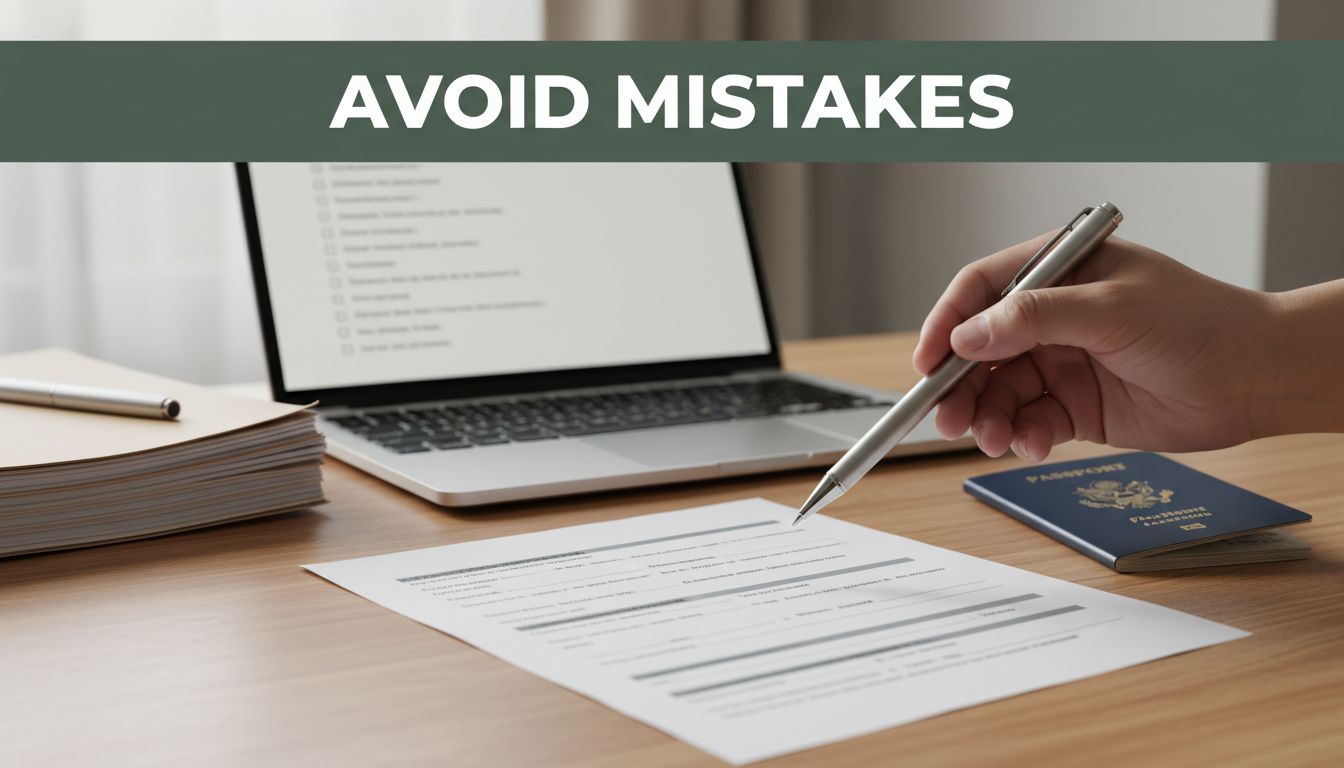
One tiny error can slow everything down. A misspelled name on a visa form led to a denial notice in 2026. In the same year, one wrong Social Security digit delayed a tax refund for weeks.
Whether you’re submitting immigration papers, a job application, or tax documents, small mistakes hit hard. That’s extra true now, since USCIS uses automation to compare your details and even spot mismatches across online information.
The good news? If you follow a simple order of steps, you can reduce rejections, save money, and avoid repeat submissions. Keep reading for practical ways to get it right the first time.
Start Smart: Gather the Right Info and Checklist First
Before you touch a form, pull the right instructions and make a real checklist. Think of it like packing for a trip. If you skip the list, you end up redoing everything at the worst time.
Start by getting official guidance only. For USCIS items, begin at the All Forms – USCIS page, then open your specific form’s instructions. For taxes, use IRS guidance from the filing season pages. For jobs, follow the employer or government posting rules exactly.

Also start early. In 2026, updates and fee changes can affect what you’re allowed to submit. Filing late means less time to fix mismatches, and rushed fixes tend to create new errors.
Meanwhile, you should plan for consistency checks. USCIS has been using AI and automated tools to flag mismatches between application details and social media information, including handles and past usernames. If your online story and your forms don’t line up, you may get Requests for Evidence instead of approvals.
Always Use the Latest Official Checklists
Never rely on old blog tips or screenshots from last year. Forms change, instructions update, and fee schedules shift.
For USCIS, check the form edition and instructions on the official page. Also note whether you can file online, since that changes how you upload and submit. USCIS lists Forms Available to File Online – USCIS, which helps you avoid using the wrong submission method.
For other document types, use the same rule: follow the official checklist tied to the exact filing year. For example, job postings often list document length rules, while tax guidance covers which income documents you need.
A simple way to stay accurate: print or save the checklist, then gather documents in the same order. When you collect something, mark it done. When you don’t have it yet, write down the date you expect it.
Finally, don’t ignore translations. If an instruction says you need an English translation for a non-English document, do it correctly the first time. Skipping translation requirements creates delays that feel avoidable.
Verify Your Personal Details Match Everywhere
Next, verify your personal details across every document and form field. This is where many mistakes happen, because humans copy fast and proofread slow.
Focus on the details that must match exactly:
- Full name spelling (including middle names)
- Birth dates (month, day, year)
- Passport numbers (every digit)
- Mailing addresses (including apartment numbers)
- Employer names and job dates
Even one swapped letter can lead to rejection or extra review. If your passport shows “Maria J. Santos” and your form says “Maria J. Satons,” you’ve created a problem that takes time to explain.
Tip: compare side-by-side. Print your ID and your draft form, then check each field line by line. If possible, copy from the source document, not from memory.
Here’s a common example: someone updates an address on one form but forgets to update it in a supporting letter. The address looks “close,” but it’s still inconsistent. That inconsistency can trigger extra questions.
Also consider having someone else review. A second pair of eyes catches errors you stop seeing after you’ve stared for hours.
Fill Forms Flawlessly to Dodge Instant Rejections
Now you’re ready to fill. If checklists reduce chaos, form accuracy prevents instant rejection.
Start with the right form edition and make sure you’re using all required pages. Don’t leave blanks unless the form explicitly allows it. If a section asks “If applicable,” write “N/A” when truly not applicable.
Also double-check signing rules. Many forms require multiple signatures and dates. Missing one signature often kills the entire submission, even if everything else is perfect.
Finally, watch for outdated info like old addresses, old employer dates, or older photo requirements. Even “minor” updates can matter.
Double-Check Spelling, Dates, and Numbers
Double-check the high-risk fields first. Names, dates, and numbers matter more than almost anything.
Use this method:
- Write a draft in a separate document.
- Then copy slowly into the form.
- Then proofread using the ID and supporting documents.
Common errors include misspelled names, wrong birthdates, swapped passport digits, and incorrect amounts. For taxes, wrong SSNs can stop the refund. For visas, mismatched dates can raise questions about timing.
This is also where USCIS automation can help flag inconsistencies. If your application says one job date and your online profile suggests another timeline, the case may get extra review.
Take your time. If you feel rushed, pause. Re-read each field after you finish it, not only at the end.
Sign, Date, and Include Every Page Required
Signatures are not optional unless the instructions clearly say they are. Read the signature section. Then read it again.
Missing signatures and missing pages are two of the quickest ways to lose weeks. Multi-page forms often require:
- A signature in more than one spot
- Dates placed exactly as requested
- Original ink signatures where required
- Full page uploads for every document page

For jobs, follow the same “include every required part” rule. For example, federal job applications in 2026 require resumes no longer than two pages. USAJOBS can block longer resumes, and that means you may never reach the hiring stage.
For GS-05 and up, some agencies also ask for additional short essays. Read the posting. If it says four short essays, include exactly that format.
Build Rock-Solid Supporting Documents
Forms often get you started, but documents get you approved. Supporting papers must be clear, complete, and consistent.
Gather the documents early so you can fix missing items without stress. When you rush, you end up with blurry scans, missing pages, or “almost” matching details. That can make your application look careless or even suspicious.
Also match the details across every document. Your supporting letters, IDs, photos, and forms should tell the same story with the same spelling and dates.
Scan High-Quality Copies and Get Translations
Use crisp scans or clear photos. Blurry documents slow reviewers down and can trigger extra requests.
For non-English documents, include an official translation when required. USCIS expects full English translations and a certification from the translator when the instructions call for it. If you’re unsure, check your form instructions before you submit.
Don’t submit partial sets. For example:
- Visa cases may require relationship evidence and travel records.
- Job applications may require work history details.
- Tax filing needs W-2s and 1099s, plus any support for deductions.
If you can’t get a document right away, don’t guess. Use the process the form offers for missing items, or wait until you have what you need.
Ensure Every Document Matches Your Form Entries
Do a full cross-check. Compare the supporting documents to the exact form answers.
Look for these mismatch hotspots:
- Addresses (street, city, ZIP, apartment number)
- Names (spelling and order)
- Amounts (income, fees, grants)
- Dates (employment dates, travel dates, filing dates)
- Identity numbers (passport numbers, SSNs)
Even small differences can cause delays. In other cases, large mismatches can raise fraud concerns.
A good workflow is to start with the form entries you already filled, then confirm each one with the source document. If you can’t confirm it, stop and fix it before you submit.
Handle Fees, Rules, and Honesty Without Slip-Ups
Fees and rules are not a “formality.” They decide whether your filing even gets accepted.
Also be careful about honesty. Don’t exaggerate job roles. Don’t claim income you can’t prove. Don’t invent travel details. And don’t assume nobody checks, because automation can flag inconsistencies.
In 2026, USCIS has two main fee shifts. First, some regular filing fees increase effective January 1, 2026. Second, premium processing fees for select categories increase effective March 1, 2026.
Here’s the pattern in simple terms:
- If your postmark date lands after the fee change date, USCIS expects the new fee.
- If you pay the old fee after the change date, your case may face rejection.
Confirm Exact Fees and Eligibility Rules Today
Before you pay, confirm fees on USCIS updates. USCIS maintains Forms Updates – USCIS, including updates tied to the G-1055 fee schedule.
In 2026, examples include:
- Premium processing fee increases on March 1, 2026 (for certain I-129 categories like H-1B, L-1, O-1, TN, E-3).
- January 1, 2026 inflation increases for certain humanitarian and work permit forms (like some I-765 categories and related forms).
Taxes also have timing rules. The IRS tax season started January 26, 2026, with most people filing by April 15, 2026. Use official guidance from the IRS newsroom, like Prepare to file in 2026: Get Ready for tax season with key updates, essential tips, so you don’t miss new steps.
Be Truthful and Consistent in Every Detail
Honesty is not just moral. It’s practical.
If you lie on a job app or tax return, you can face major consequences. If you submit immigration info that doesn’t match your prior history, you can trigger extra review or denial.
USCIS automation in 2026 includes social media checks that can compare details. That doesn’t mean you need to remove your whole life from the internet. It does mean your public info needs to stay consistent with your forms.
So keep your story straight across:
- Applications
- Supporting letters
- Online handles and profiles (when requested)
- Prior filings (and any corrections you made)
Also, if something changes after you file, follow the official process. Don’t rewrite your history in new documents. That creates more inconsistency.
Submit and Follow Up Like a Pro
Submitting is not the last step. It’s the start of monitoring.
Track deadlines and submission dates. For mailed filings, keep proof of mailing. For online filings, keep receipts and confirmation pages. Then watch for notices.
Also prep for interviews when they apply. Bring original documents if the instructions ask for originals. If translations are required, bring the translated documents too.
Track Deadlines and Respond to Every Notice
Set reminders for key dates. Use your phone calendar, and add one extra buffer day.
Next, respond fast to notices or requests. If you ignore a Request for Evidence, your case can stall. If you miss a tax deadline, you can face penalties.
For jobs, monitor email and portals. Some hiring steps move quickly, and missing one reply can end your chance.
Finally, keep copies of everything you submit. If something goes wrong, your copies help you fix the issue without guessing.
Practice for Interviews and Bring Originals
Interviews are where you confirm your paperwork.
For visas, review your answers and your timeline. For job interviews, practice short answers that match your resume. The goal is simple, be clear and consistent.
Also bring originals when required. For any translated document, include the translation you submitted. If you don’t, you may be asked to produce it again.
The same rule applies in one sentence: prepare like a reviewer is checking you.
Conclusion
A smooth submission in 2026 comes down to one theme: accuracy with proof.
Start with official checklists, confirm your personal details, then fill every form carefully. Build strong supporting documents, double-check fees and rules, and stay truthful across every detail. After you submit, track deadlines and respond quickly.
If you’ve felt stressed about paperwork before, use this approach to make it easier. Bookmark this guide, and share your best mistake-avoidance tip in the comments. What’s the one step that saved you most time?